
Last Updated on August 17, 2026 by Holland Rocha
If you run an online store, your support inbox is rarely just customer questions. It’s marketing emails, shipping notices, social mentions, spam, and the occasional VIP customer who needs a real person, not a bot. Sorting through all of that by hand costs your team time it doesn’t have. Re:amaze‘s new AI Pre-Filter gives you a way to automate your support inbox so that sorting, tagging, and routing happen before a conversation ever reaches your queue.
What Is AI Pre-Filter?
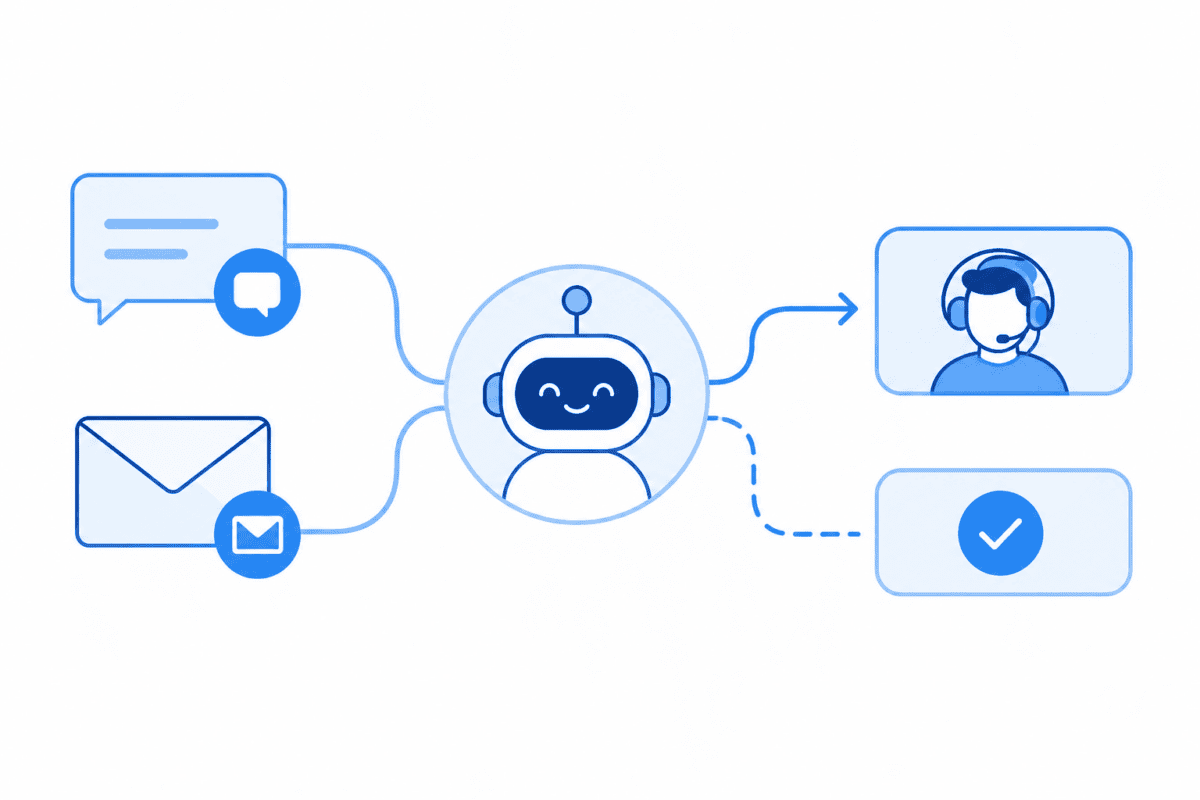
AI Pre-Filter uses Re:amaze AI to evaluate every incoming conversation the moment it arrives and take action on it right away. You set the criteria, and when a conversation matches, Re:amaze applies a tag and carries out the action you chose. There’s no manual sorting involved.
It’s a simple way to keep your inbox organized, but it also gives you control over what your AI agent sees. You can set it up so certain conversations skip the AI agent entirely and go straight to a human on your team.
Automate Your Support Inbox in a Few Steps
Each filter has three parts: a prompt, a tag, and an action. When a new conversation arrives, the AI checks it against your prompt. If it matches, the tag gets applied and the action runs immediately.
You can choose from four actions:
- Tag only, and leave the conversation open
- Tag and mark it done
- Tag and mark it as spam
- Tag and archive it
Re:amaze includes five default filters to start with: Marketing, Purchases, Updates, Social, and Spam, each with a prompt already written for you. You can them as they are, adjust them, or remove the ones you don’t need.
One key detail worth remembering: any conversation caught by a pre-filter skips the AI agent completely, regardless of the tag or action you choose. That makes this feature a smart way to route sensitive topics, like billing questions, cancellations, or high-value customer inquiries, directly to your team instead of a bot.
Why This Matters If You’re Evaluating a Helpdesk
If you’re still relying on a shared email inbox to manage customer support, this is the kind of automation that separates a basic inbox from a true helpdesk. Support volume rarely stays steady, especially around sales and product launches, and manual sorting becomes a bottleneck fast. AI Pre-Filter removes that bottleneck before it starts.
Getting Started
AI Pre-Filter can be turned on from your Manage Bots dashboard, and you’ll need the AI Agent enabled with resolutions remaining or overage enabled to use it. For full setup instructions, including how to customize filters and prompts, check out our AI Pre-Filter overview and setup guide.